
GTA 6 BuckMe Guide: Bank Account, ATMs and Family Savings
GTA 6 doesn't give you a bank account at the start. Jason and Lucia get one in the Chapter 1 mission Buck Me, and from then on your money is split between the cash in your pocket and BuckMe, a banking app on your phone. This guide covers the mission, how deposits work, and every Family Savings goal.
Buck Me mission walkthrough
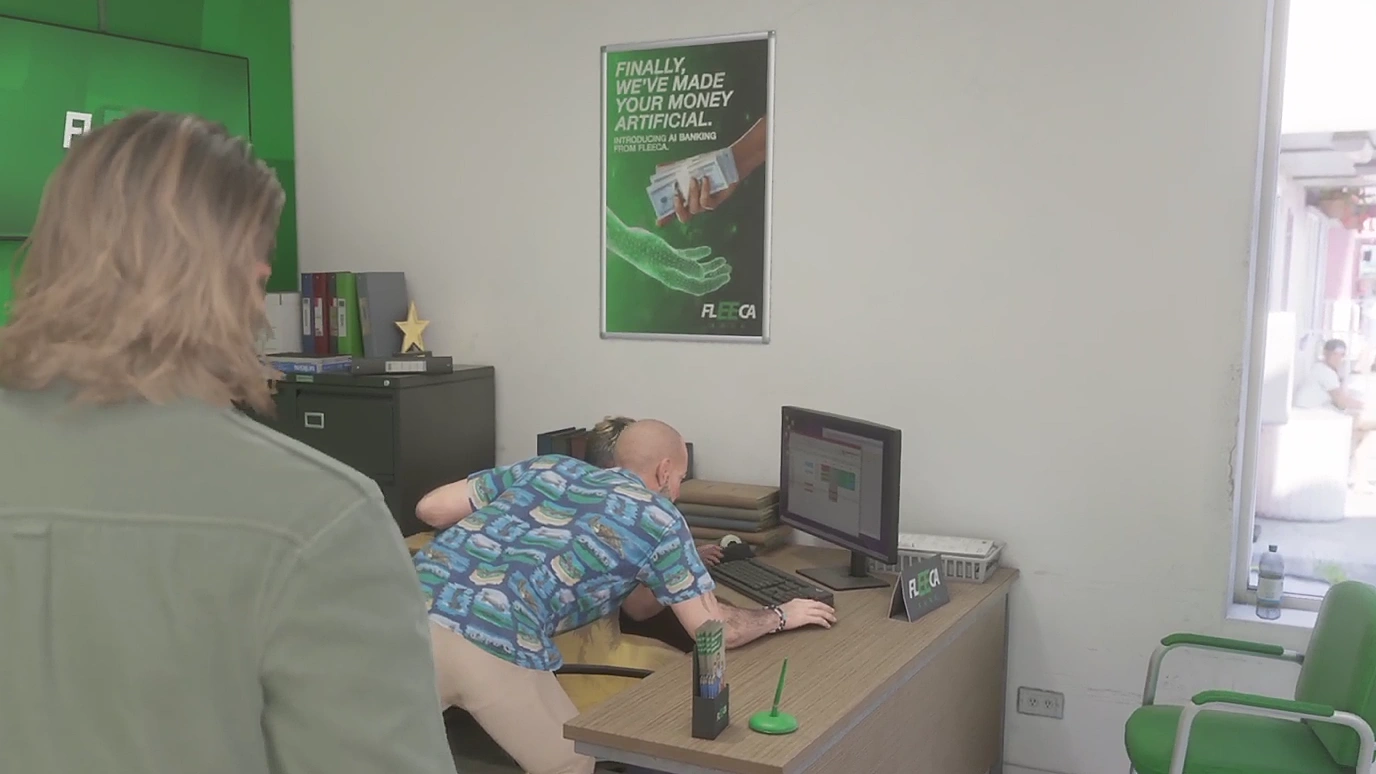
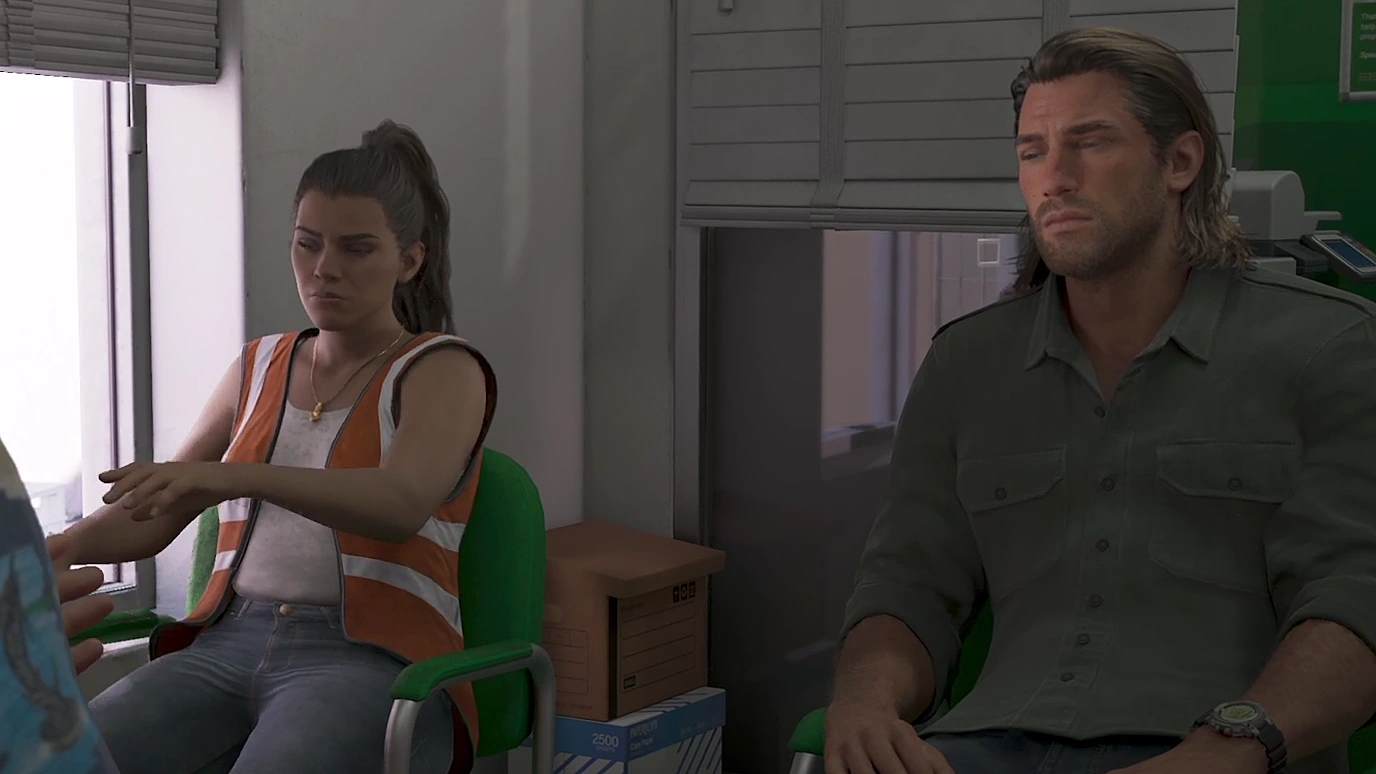
About half a day after Coming Home, Lucia calls. She needs an account to receive her community service pay, and asks Jason to meet her at the Fleeca branch in Key Lento.
Ask about setting up a bank account. Talk to the teller inside.
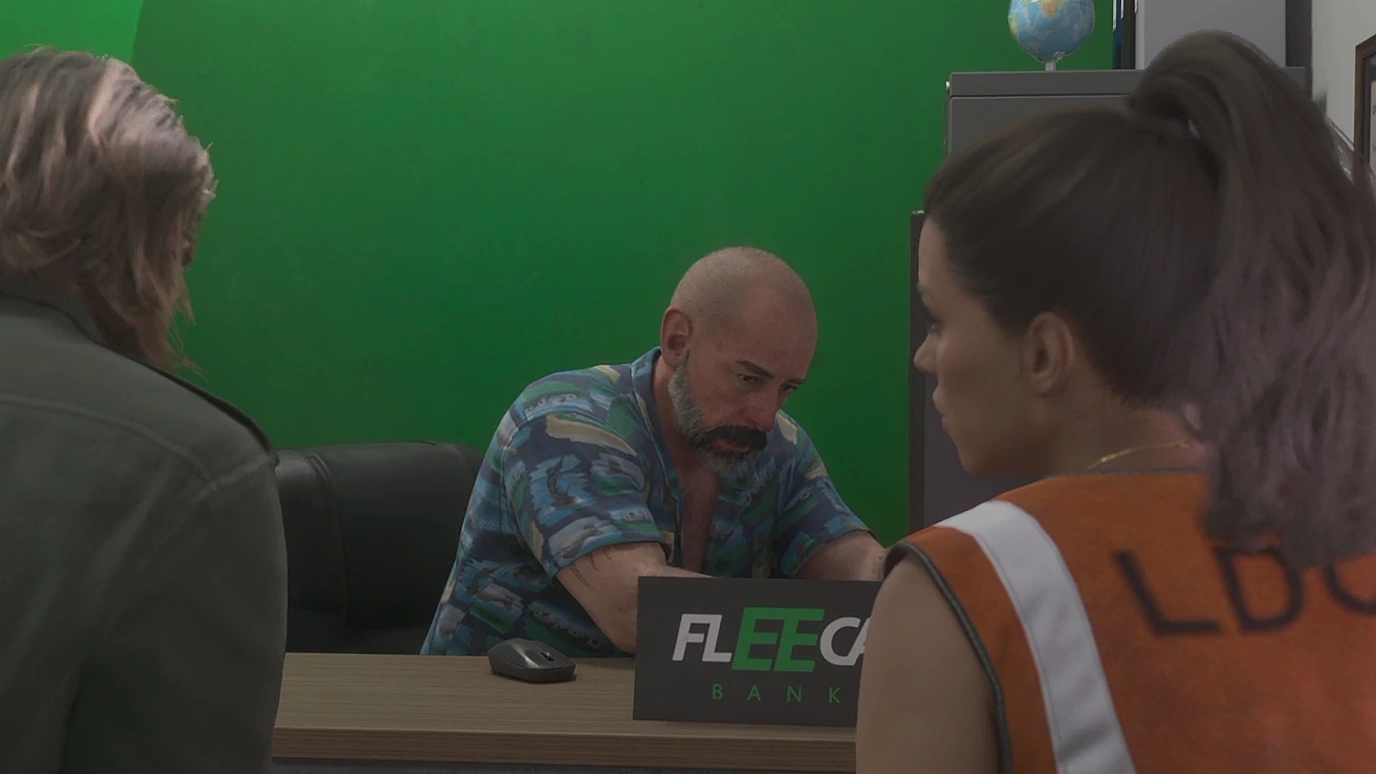
Speak to the manager. He's at the table in the corner. Follow him into his office.
Their credit is so bad the bank won't open a normal account. The manager offers them BuckMe instead, a fintech app from Fleeca.
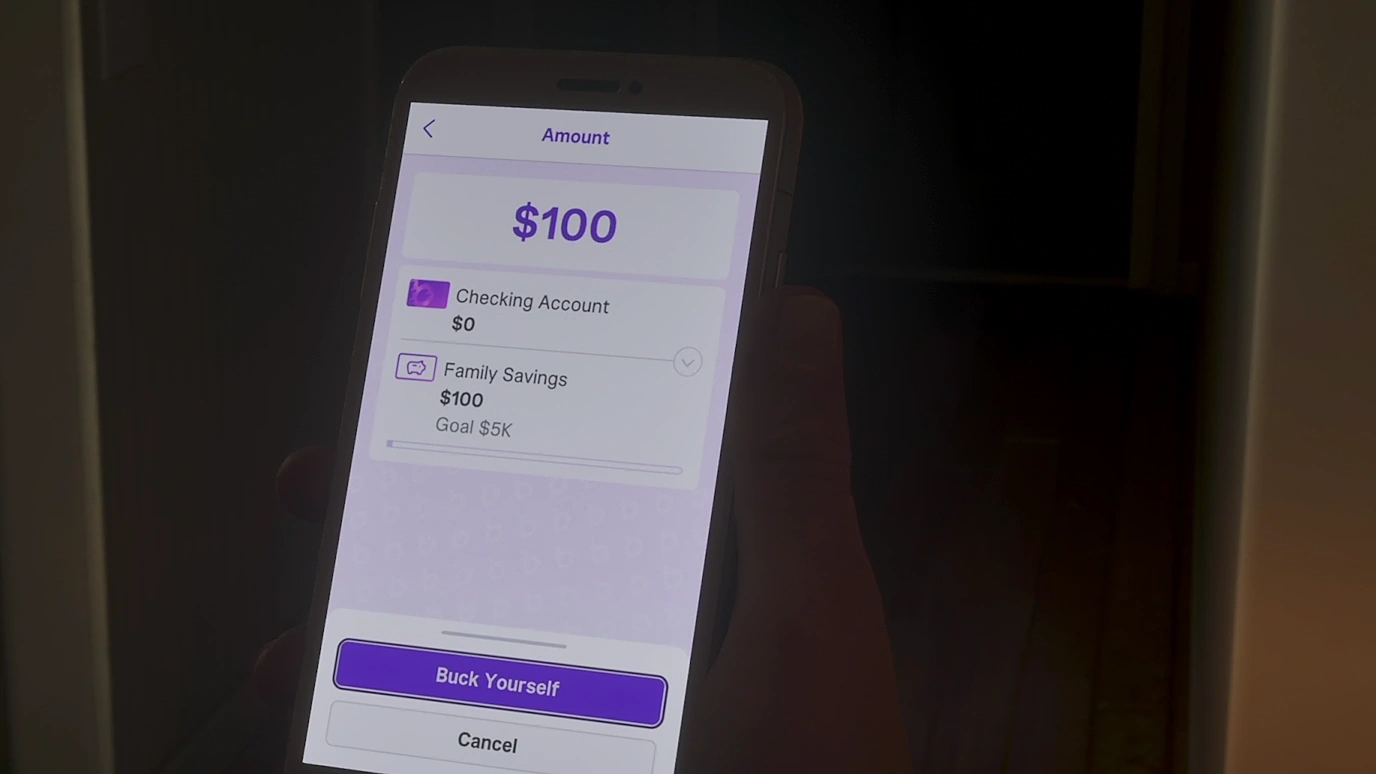
Open BuckMe. After the cutscene you're back at the house with a $100 welcome bonus in your new checking account. Open your phone and pick the purple B icon.
Move money into Family Savings. In the app, select your checking account and choose Buck Yourself to move the $100 across.
Checking account vs Family Savings
Account | What it does |
|---|---|
Checking | Your spending money. Pay for things with it, deposit cash into it at ATMs and withdraw it again. |
Family Savings | Locked savings that earn interest. Money you put in can never be taken out, but it can never be lost either. |
Think hard before moving money into Family Savings. You cannot withdraw it, ever. The reward is that each savings goal raises your checking limit and unlocks discounts.
How to deposit cash at an ATM
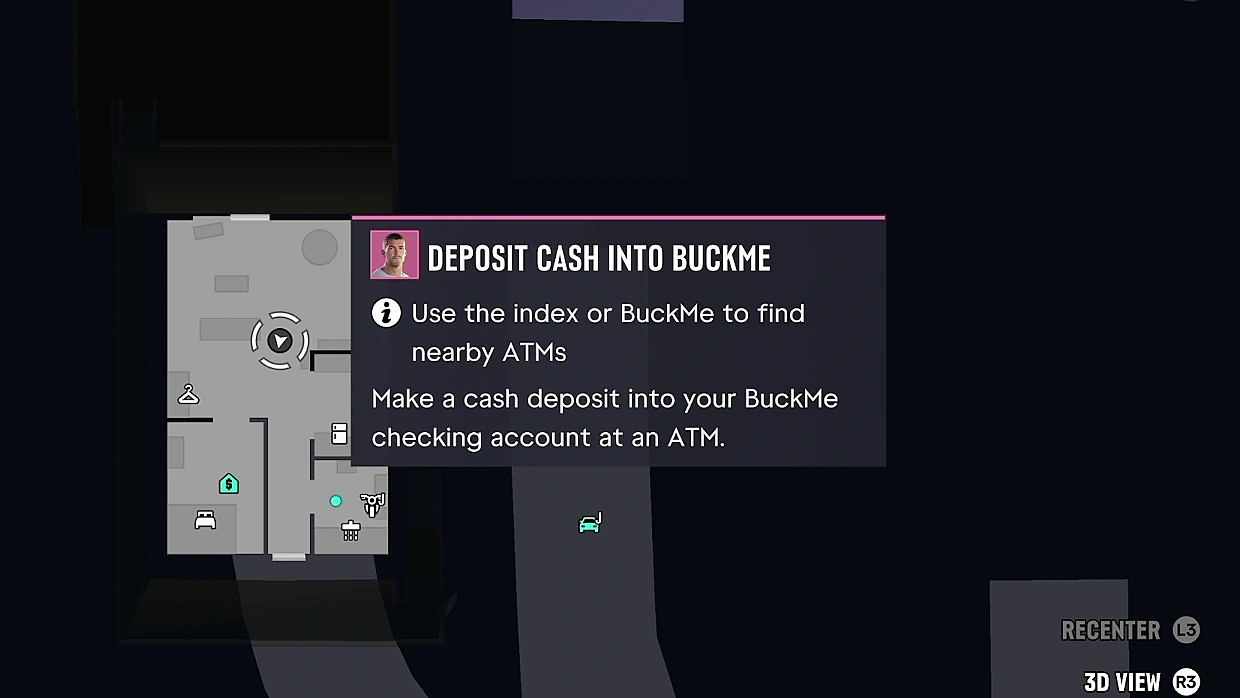
After Buck Me, a task called Deposit Cash Into BuckMe appears in your Story list. It has no map marker.
Open BuckMe and choose ATM Finder to set a route to the nearest ATM. There's one close to Jason's house.
Use the ATM and pick how much cash to deposit. Your checking limit is shown on the same screen.
You can also withdraw cash from your checking account at any ATM.
Depositing is worth it. When you're Wasted you lose the cash in your pocket, and only a smaller share of your checking balance. See what happens when you die.
Paying with BuckMe
Vendors only take pocket cash for things up to $999. Anything costing $1,000 or more is paid straight from BuckMe.
If you carry $0 in cash, purchases come out of BuckMe automatically, so there's little reason to walk around with a fat wallet.
Some Ammu-Nation weapons only become available once you have the account. See how to upgrade weapons.
If your checking account hits its limit, incoming payments are held until you spend money or move it to savings.
Save for the Future: every savings goal
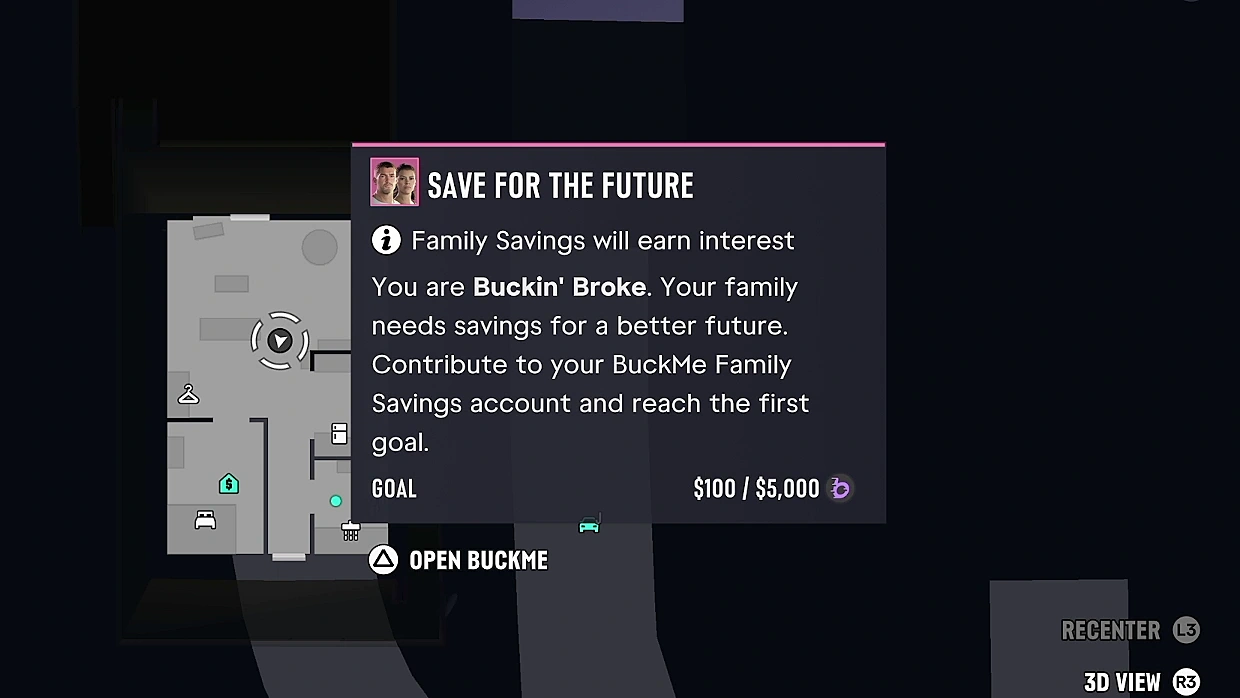
Save for the Future is a long-running task that lasts the whole story. Each time you reach a savings goal, the next one opens up as the story moves on.
Tier | Family Savings needed | Checking limit | Perk |
|---|---|---|---|
Buckin' Broke | $5,000 | $15,000 | None |
BuckeDry | $10,000 | $100,000 | 20% off all RydeMe trips |
BuckMe Gold | $100,000 | $500,000 | 20% off all garage purchases |
BuckMe Premium | Given at the start of Chapter 4 | $2,000,000 | 10% off all liveries |
Rich as Buck | $1,000,000 | $2,000,000 | None |
BuckMe Premium is handed to everyone at the start of Chapter 4, whatever you've saved. A phone message calls it "BuckMe Black", but the app shows it as Premium.
Tips
Get to $5,000 before Tourist Trap. Taking up Mattia's offer starts Tourist Trap, which kicks off a long run of missions with no free roam, and you lose your pocket cash, your stash and your checking balance. Only Family Savings is kept, up to the $5,000 Chapter 1 goal, so move your money there first. Our Chapter 1 missables guide has the full list of what you keep and lose.
Keep a buffer in checking. Savings are locked forever, so only move what you won't need for cars, guns and upgrades.
For quick ways to fill the account, see our money guide.
Previous mission: Clean Up After Donnie
Next mission: Down to Earth
All missions: GTA 6 walkthrough