

How to play GTA 6 in first-person early
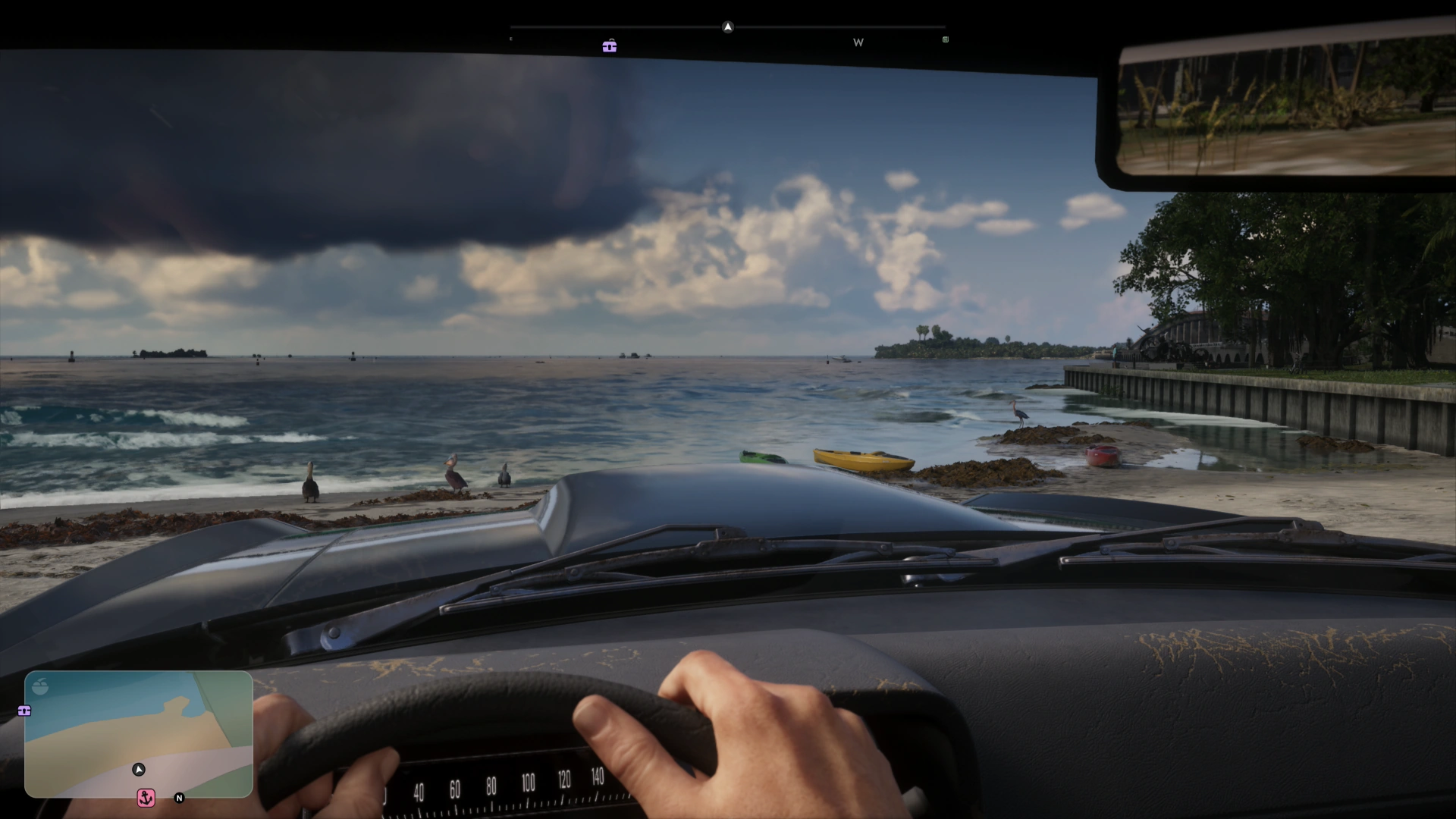
GTA 6 did not launch with an official first-person mode. However, through a few in-game steps, you can currently access a version of first-person that works surprisingly well. This guide helps you play GTA 6 in first-person early, quickly and easily.
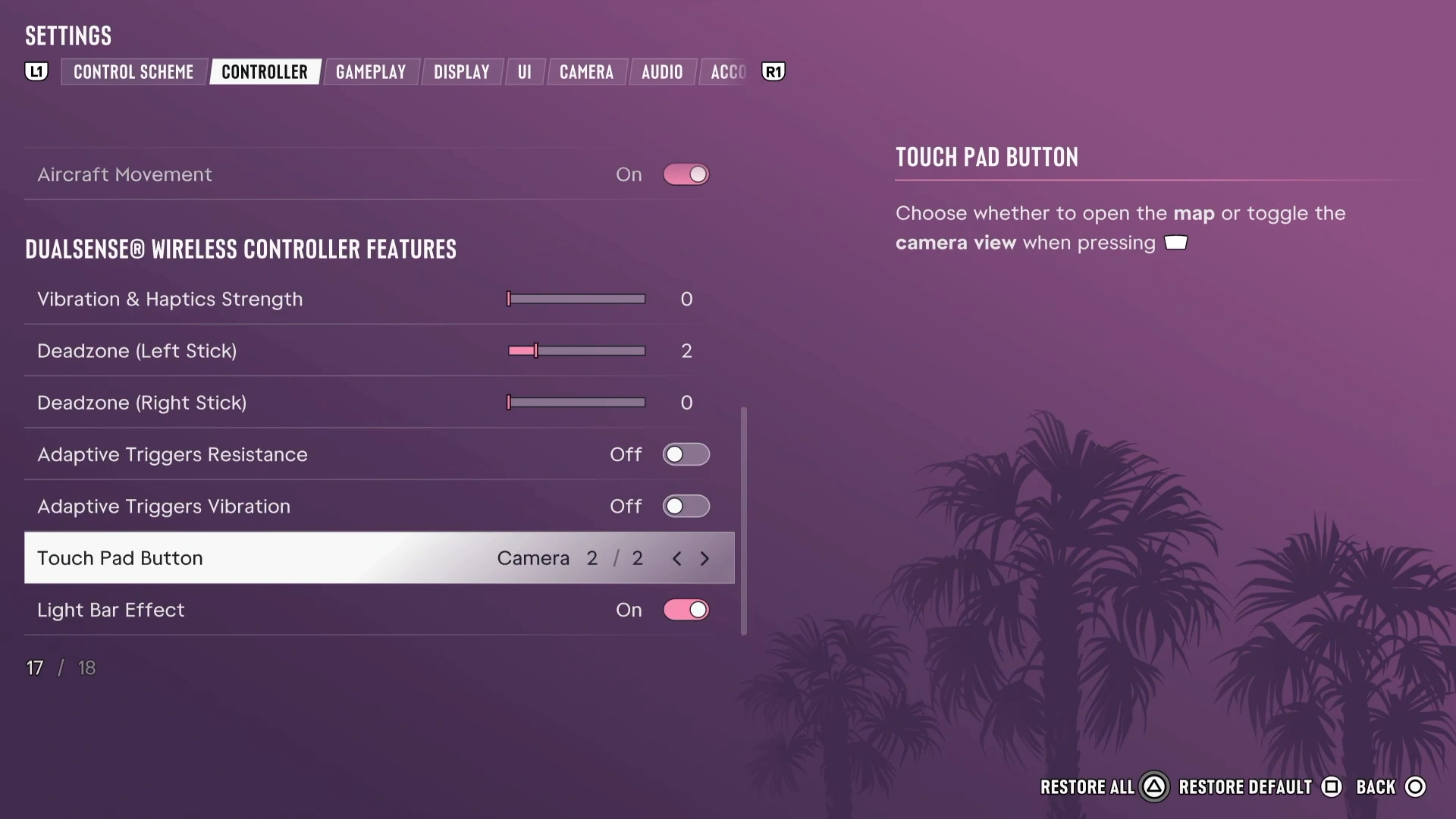
To access first-person mode, follow these steps:
Go to settings, the controller tab and scroll down until you find the "Touch pad Button" setting. Change this to 2/2 Camera
Get in your car and press up on the D-pad to pull up your phone
Press Circle "O" (or B if you're on Xbox) to put your phone away
As soon as you press to but your phone away, spam your Touch Pad Button to adjust camera
Repeat this until you see that you're still first-person inside the car without your phone, usually holding onto the steering wheel of your car
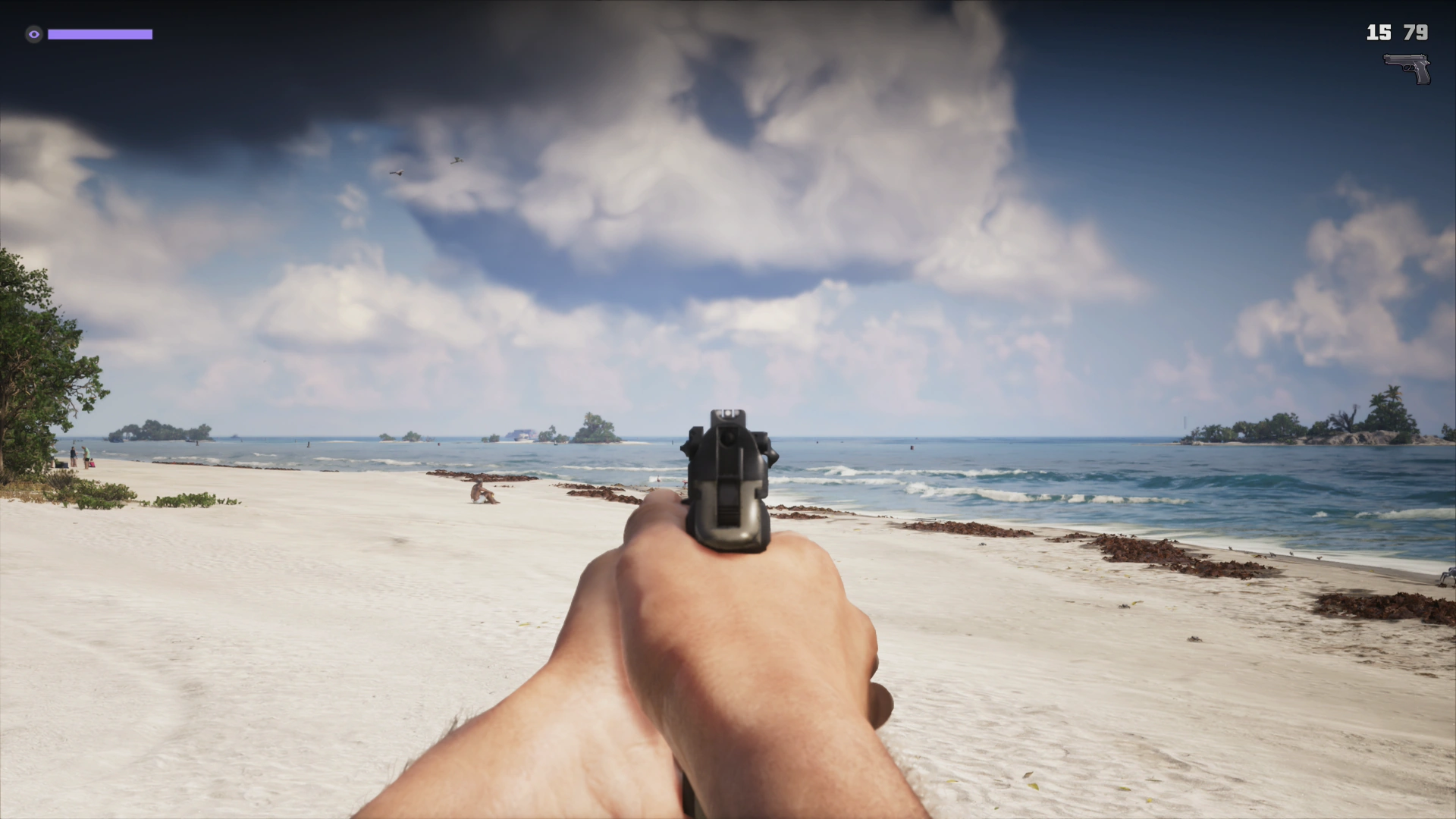
You're now first-person! It fully works outside of the car too, including aiming first-person with guns
To return to third-person, you have to re-load the save
Get into your car and pull up your phone, it should just display your phone in front of you by pressing up on the D-pad
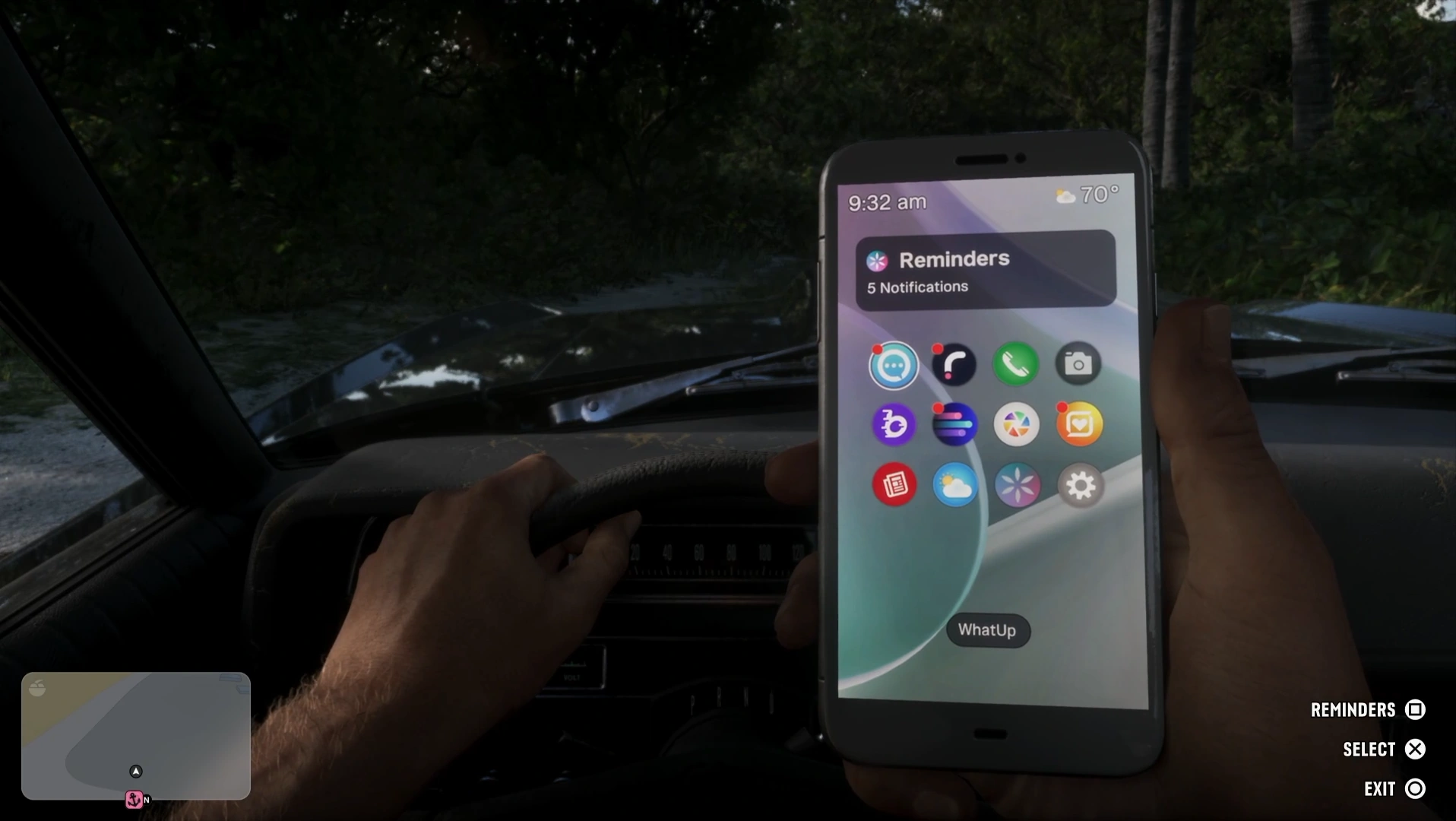
When your phone is up like this, simple press whichever consoles "Exit" button you have seen on the bottom right of the screen. In our case, Circle "O". As soon as you start putting the phone down, spam the Touch Pad on your controller. If done correctly, you'll retain a first-person state.
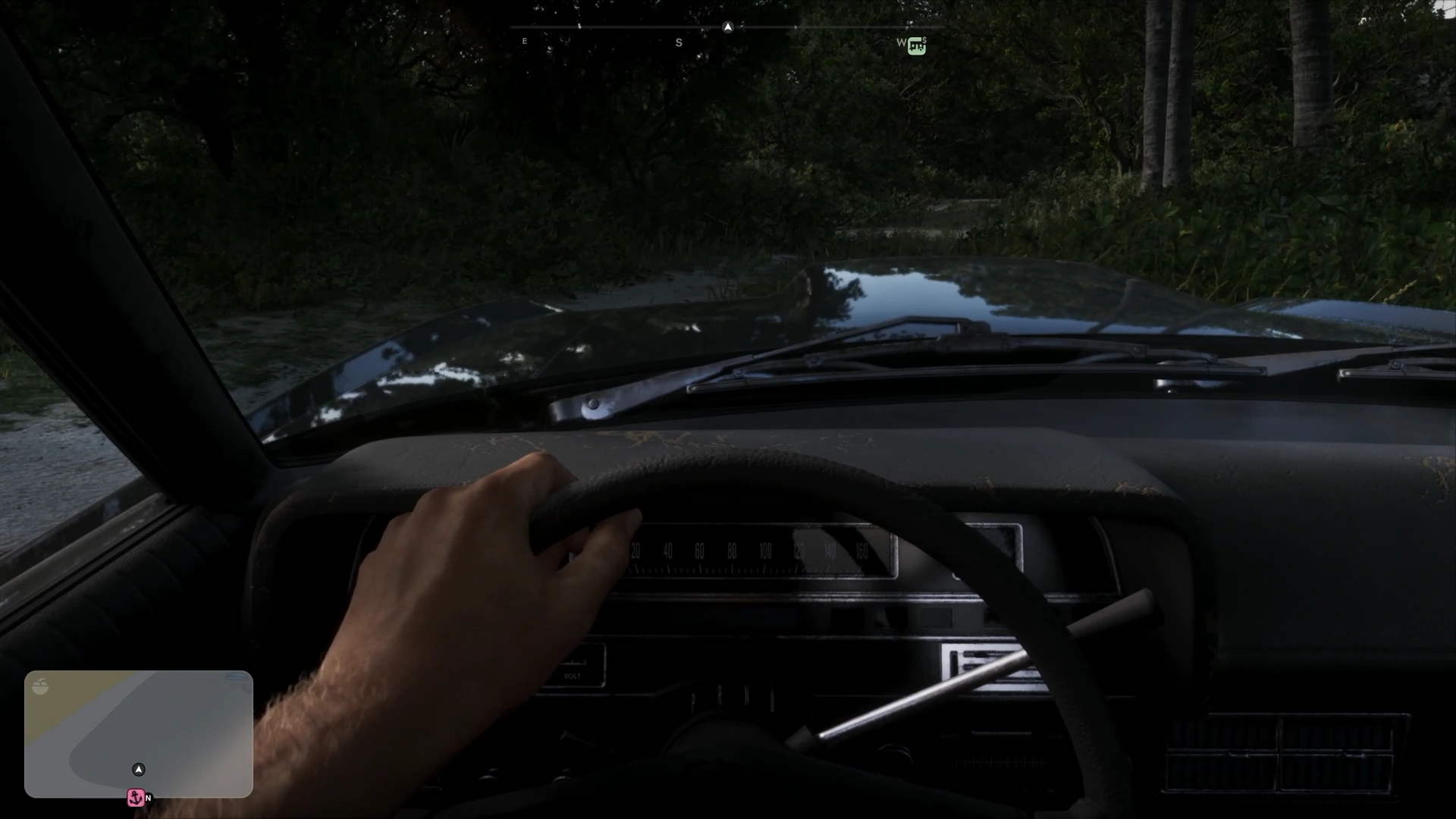
And just like that, first-person mode is active. First-person works entirely, even on foot. Gunplay is fully functioning too, allowing you to use your "Zoom" feature (usually clicking in the right Thumbstick) to aim down the sights of any gun.
If you're looking to revert back to third-person, simply re-load your save. Have fun!