


Best Driving Settings in GTA 6: Adaptive Triggers Resistance Explained
If driving in GTA 6 feels jumpy on PS5, turn Adaptive Triggers Resistance off. It's on by default and adds a stiff wall to R2 and L2 that makes the throttle and brakes feel all-or-nothing.
Switching it off is the single biggest change you can make to how cars handle. This guide shows where it is, why it helps, and the other driving settings worth a look.
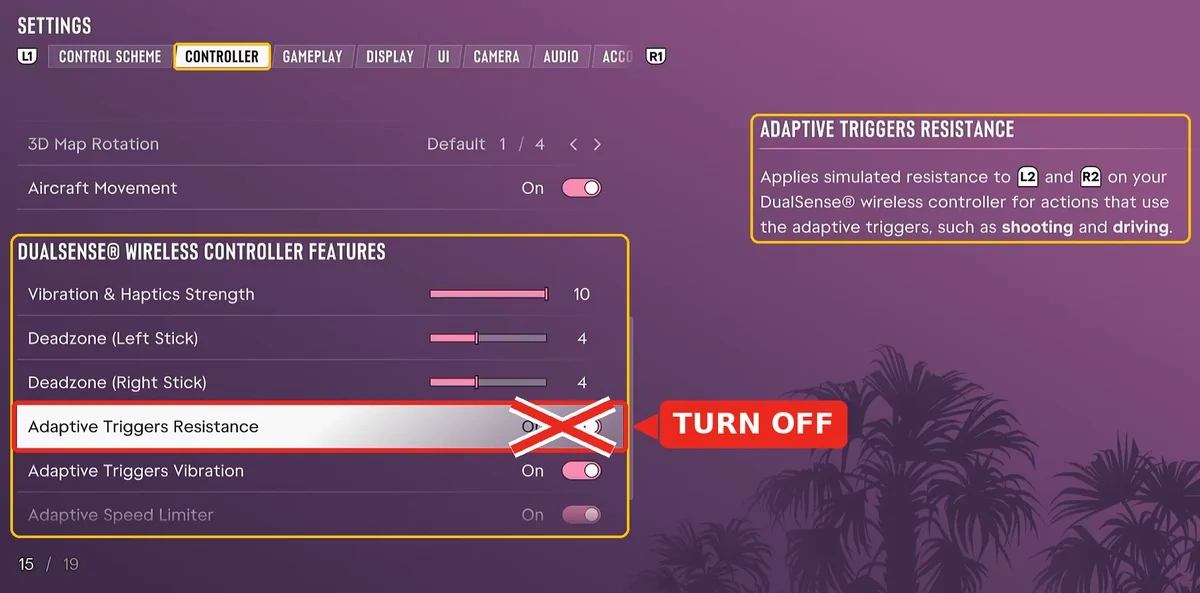
How to turn off Adaptive Triggers Resistance
Open Settings: Press Options to open the pause menu and select Settings.
Go to Controller: Press R1 once to reach the Controller tab.
Scroll to the bottom: Find the DualSense Wireless Controller Features section.
Switch it off: Highlight Adaptive Triggers Resistance and change it from On to Off.
The change applies straight away, so you can test it on your next drive. Press Square on the row if you ever want the default back.
Why turning it off fixes driving
The most common complaint is a wall about halfway down R2. You're either flying or barely moving, and you have to push hard through that point to reach full speed.
Switch Adaptive Triggers Resistance off and you can go as fast or as slow as you like. Braking stops being full or nothing, so you can ease into corners instead of locking up.
Turning it off also removes the Adaptive Speed Limiter. That setting only appears while resistance is on, and it's the reason some cars seem stuck at around 20 mph.
Example Scenario: Your car won't climb past about 20 mph during the Hey Arnold chase. Turn Adaptive Triggers Resistance off, restart from the checkpoint and you'll have the full throttle range back.
Example Scenario: You keep overshooting turns in Vice City traffic because the brake feels like an on-off switch. With resistance off, a light squeeze of L2 slows you gently instead of stopping dead.
What you give up
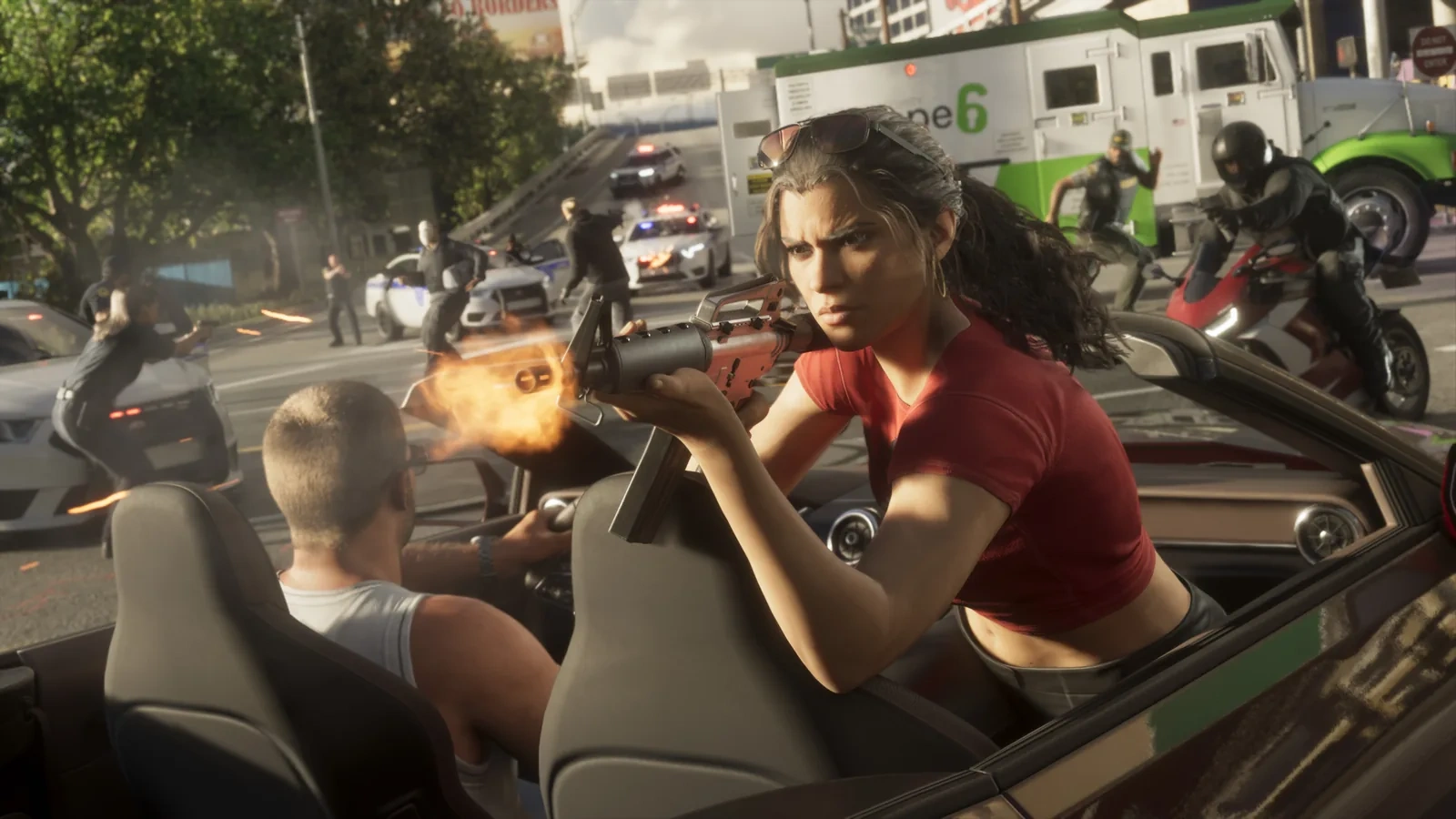
The same toggle controls trigger tension for shooting, so guns lose their trigger feel too. Most players won't miss it, and lighter triggers make quick follow-up shots easier.
If you want to keep a softer version of the effect, set Trigger Effect Intensity to Weak under the PS5's Settings, then Accessories, then Controller (General). PlayStation Support covers that system-wide option.
Other driving settings worth changing
Setting | Default | Change to |
|---|---|---|
Adaptive Triggers Resistance | On | Off |
Deadzone (Left Stick) | 4 | 2 or 3 |
Vibration & Haptics Strength | 10 | 7 or 8 |
Nitrous | Hold | Press |
Camera Shake | On | Off |
Cinematic Vehicle Crash Frequency | 3 | 0 |
The first three settings are in the Controller tab, Nitrous is in Gameplay, and the last two are in Camera. A lower deadzone sharpens steering, but raise it to 5 if your car drifts on straights.
Press mode lets you boost without holding a button mid-turn. Turning crash cameras to 0 stops slow-motion replays from interrupting your drive.
Auto Drive in the Gameplay tab is set to Restricted by default. Switch to the cinematic camera while driving and the game takes you to your waypoint, which is handy for long trips.
For aiming, the HUD and display options, see our GTA 6 best settings guide. Pilots should also check Aircraft Movement in the same tab, as covered in how to fly a plane in GTA 6.
Once the car feels right, see how to get a car in GTA 6 and how to repair your car to keep it on the road.

FAQ
Should you turn off adaptive triggers in GTA 6?
Yes, if driving feels jumpy or your car seems capped. Turning Adaptive Triggers Resistance off gives you smooth throttle and brake control.
Why is my car stuck at 20 mph in GTA 6?
You're holding R2 at the Adaptive Speed Limiter's resistance point. Turn Adaptive Triggers Resistance off, which removes the limiter, or press R2 all the way down.
Does turning off adaptive triggers affect shooting?
Yes. The same setting controls trigger tension for both driving and shooting.
Does GTA 6 have adaptive triggers on Xbox?
No. Adaptive triggers need the motors inside the PS5's DualSense controller, so this setting is PS5 only.