


 IV
IV
 I
I
 III
III
 IV
IV
 III
III
 III
III
 III
III
 III
IIIHow to reorder your workbenches in ARC Raiders
Since Frozen Trail, the Workshop tab lists your crafting stations in the order their benches sit in the Base Room of your Outpost. Move the benches, and the tab follows.
The catch is that the game only lets you swap two benches at a time, and when the Outpost first opened it placed them in its own order. A lot of Raiders went in to fix one bench and ended up shuffling the whole room three times.
This tool works out the fewest swaps between the order you have and the order you want, then numbers them so you can follow along in the game without thinking about it.
Using the Workbench Order tool
- Sync: If your Embark account is linked, press Sync at the top of the page. Current order fills in from your game, and every square shows the tier that bench is really at.
- Current order: Not linked? Switch to Current order and arrange the squares the way your benches sit in the game right now. Drag a square along the bar, or tap one square and then another to swap them.
- Goal order: Switch to Goal order and lay the benches out the way you want them. The yellow counter tells you how many swaps that takes.
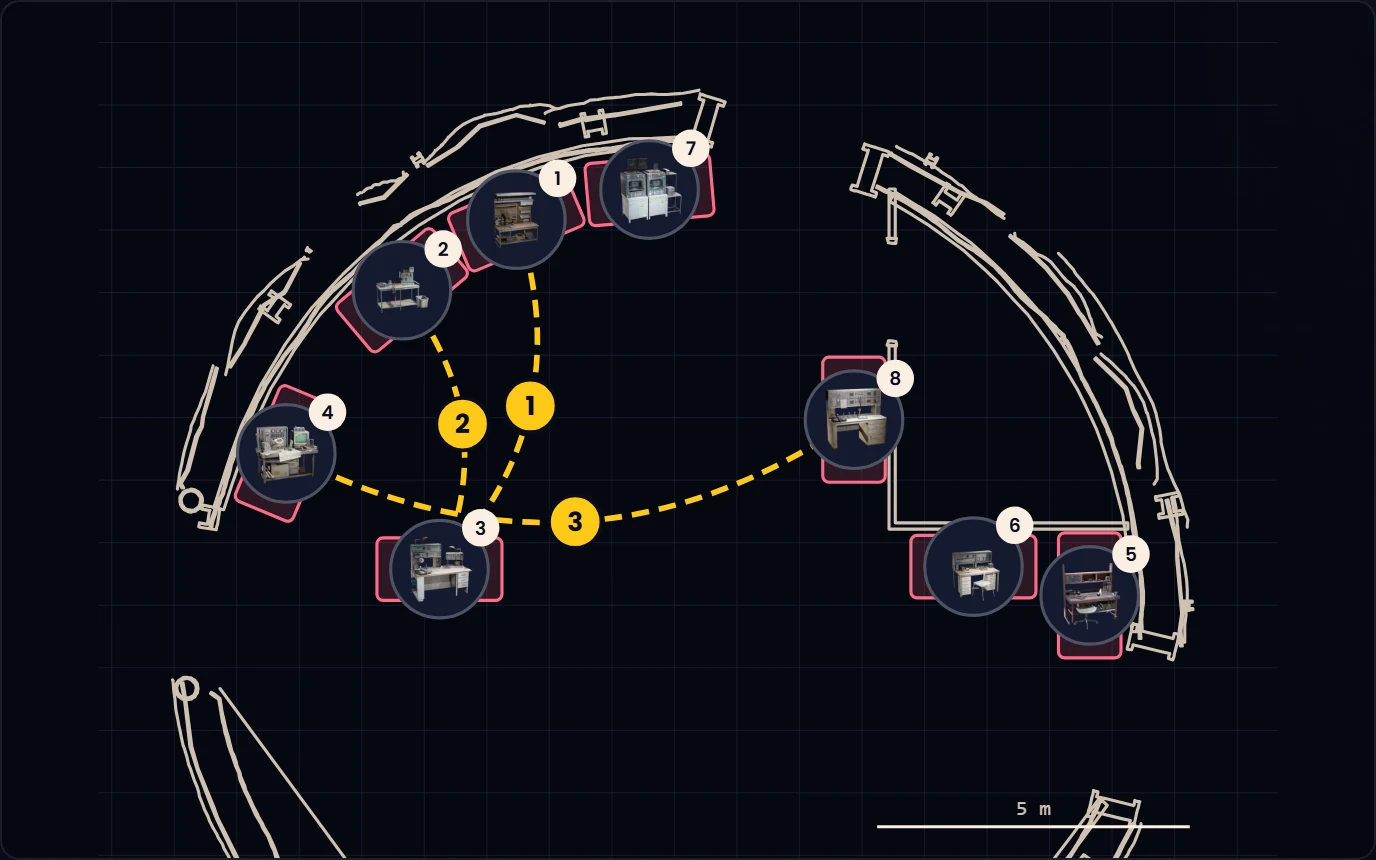
- Swaps list: Follow the numbered swaps in order. Each line names the two benches to trade and the squares they sit in, and the plan draws the same swap as an arrow.
- Swaps done: Once your benches match in the game, press Swaps done. Your goal becomes the new current order, and the tool remembers it in this browser.

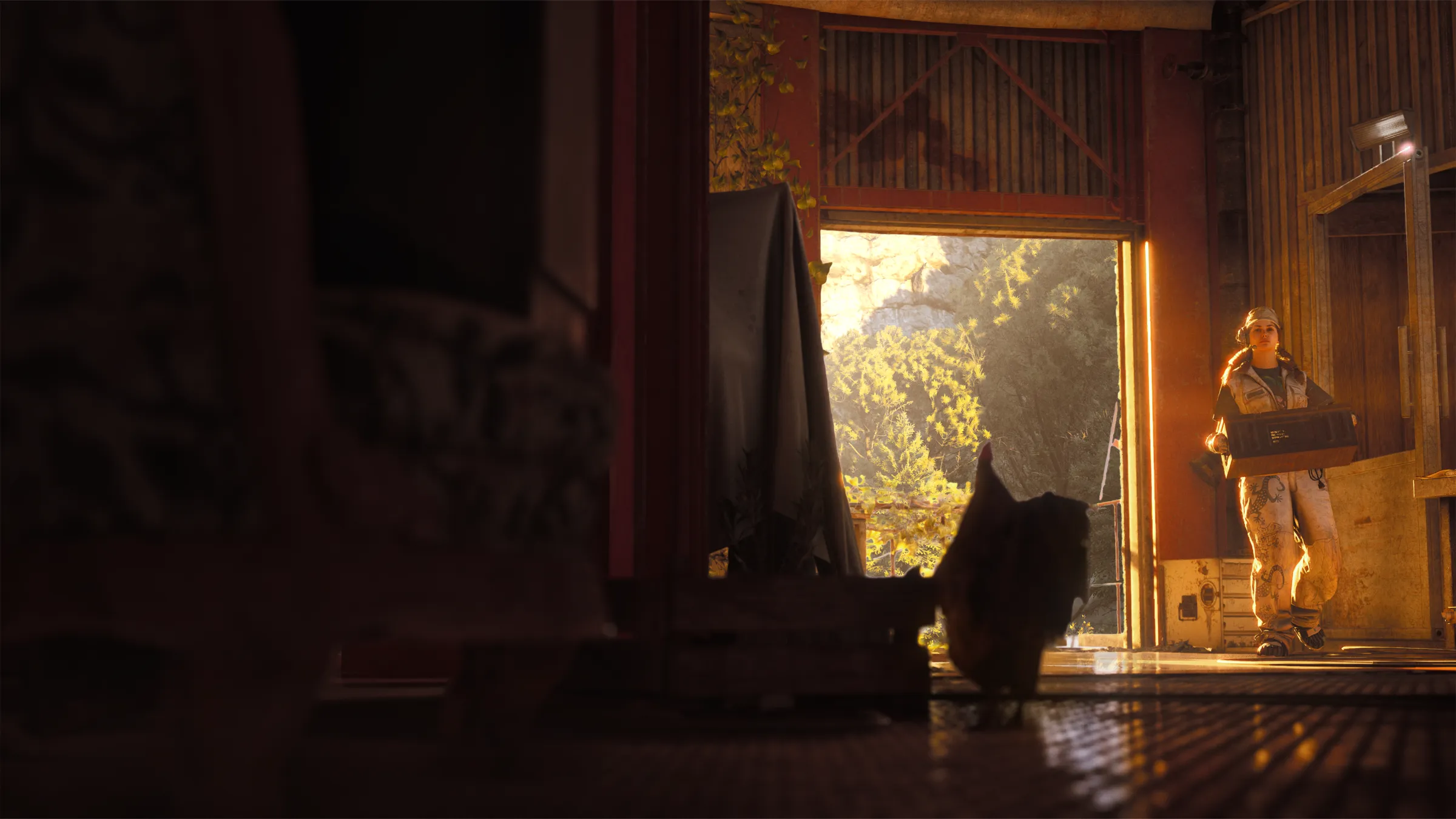
The plan under the bar is the ground floor of the Base Room, with the eight Workbench slots in their real positions. Hover a swap in the list and the matching arrow lights up on the plan, which helps when two benches look alike.
Swapping the benches in the game
Open your Outpost and go into the Base Room, then pick the first bench named in the swap. Choose Move, drop it on the second bench, and the two trade places.
Take the swaps in the listed order. The tool counts on each earlier swap having happened, so skipping one puts the later benches in the wrong squares.
Bench tiers come along for the ride. A Gunsmith IV stays a Gunsmith IV wherever it lands, and your station upgrade progress is unaffected.
Which order to pick
There is no wrong answer here, since the order is purely about what you reach for first. The layout below puts the stations you open before every raid at the front and the ones you visit once a week at the back.
| Square | Station | Why it sits there |
|---|---|---|
| 1 | Workbench | Ammo, bandages, cameras, and the first version of most gear |
| 2 | Gunsmith | Weapons, weapon upgrades, and attachments |
| 3 | Gear Bench | Shields and the Looting, Combat, and Tactical augments |
| 4 | Medical Lab | Bandages, shield rechargers, shots, and sprays |
| 5 | Utility Station | Grappling hooks, light sticks, smokes, and flares |
| 6 | Explosives Station | Grenades and mines |
| 7 | Refiner | Components, gun parts, and compounds from raw loot |
| 8 | Research Station | Research points, blueprints, and furniture Designs |
If you craft from the Needed Items tracker more than from memory, put the Refiner nearer the front instead, since that is where the material grind happens.
Example scenarios
Example Scenario: Your Workbench landed in square 3 after unlocking the Outpost and the Gunsmith is in square 1. Set that as your current order, move them in the goal, and the tool shows one swap: Gunsmith in 1 with Workbench in 3.
Example Scenario: You want the whole bar reversed. Eight benches sound like a lot of dragging, but the tool finds it in four swaps, because every swap fixes two squares at once.
Frequently asked questions
Does the bench order change what I can craft?
No. The order only changes where each station sits in the Base Room and in the Workshop tab, so this is about saving clicks, not unlocking anything.
Why are my benches in a different order than before Frozen Trail?
When you finish the Sheltered Retreat project, your stations move into the eight Workbench slots in the Base Room, and the game picks the order for you. Set that order as your current order and plan from there.
Can I move Scrappy?
No. Scrappy keeps a fixed spot in the Base Room, which is why the tool shows the rooster outside the eight numbered squares.
Do I need an account to use this?
No. You can set both orders by hand, and they are saved in your browser. Signing in and linking your Embark account adds Sync, which reads your bench order and tiers straight from the game.
Does Sync move my benches?
No. Sync only reads your Workshop. You still make the swaps yourself in the Base Room, then press Sync again to check the result.