


How Clans Work in ROB RUN: Creating, Joining, Ranks and Permissions
A clan in ROB RUN is a group of players with a shared chat, a clan balance and a rank ladder, fighting other clans for businesses in Looty Bay and districts on the global map. You need a bank account before you can create one. To join, search for an open clan, send a request or accept an invite.
What a clan is for
A clan is how you team up with other players to take over the city. It gets you four things a solo player can't have:
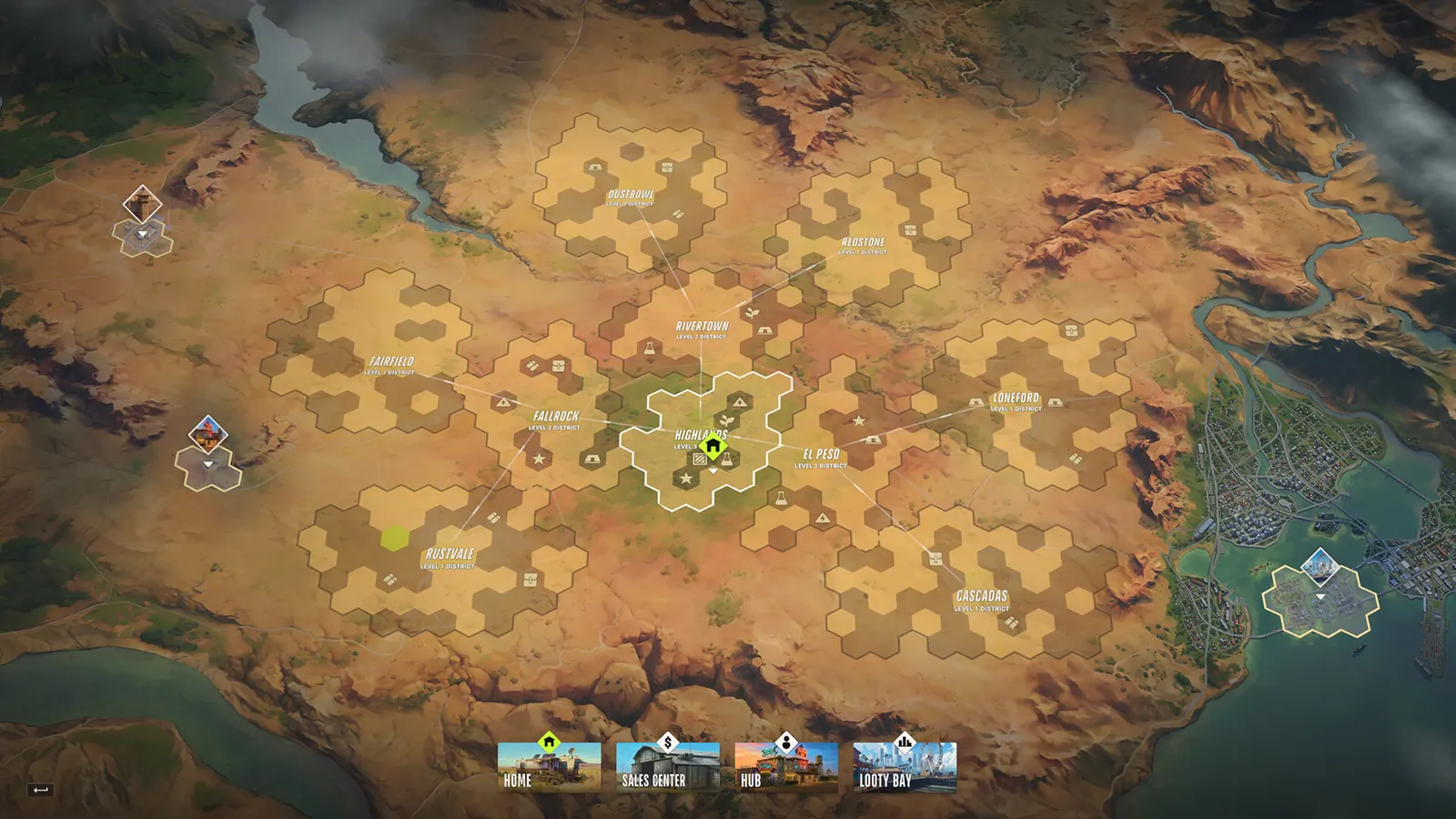
- Control of city businesses. Controlled businesses make money and hand bonuses to every member, including better dirty cash laundering for the whole clan.
- Control of districts. Hold a district and your clan collects taxes from all of its settlements, plus a significant district bonus.
- A shared warning system. The clan version of the Alarm System alerts the owner and their entire clan when someone starts breaching the structure.
- Clan Chat and a clan announcements board, separate from Party Chat.
According to the update notes, a clan of just three players can already start claiming what's theirs in the city. Claims, sit-downs and showdowns have their own guide. This one is about running the clan.
Creating a clan
There's one step on the checklist for starting your own clan: open a bank account. Doing that unlocks clan creation along with laundering and real estate investments. Clan operations run on Credits (clean money), so launder some cash before you start. Our money and laundering guide shows you how.
The Clan Creation screen asks for:
| Field | What you need to know |
|---|---|
| Emblem | Picked from a list. Once it's set, there's a cooldown before you can change it. |
| Clan Name | Required, with a minimum length. Names must be unique. |
| Clan Tag | Required, a fixed number of characters, and must be unique. |
| Clan Language | Clan Search has a language filter with an "Any Language" option. |
| Entry Type | Open, Upon Request or Private, as far as we can tell. |
| Description | Free text. |
Everything can be changed later from Edit Clan, and only the emblem has a cooldown. We haven't found the exact name and tag lengths, or whether creating a clan costs anything.
Joining a clan
Clan Search lets you look clans up by name, filter by language and tick Open Only to hide the ones you'd have to apply to. Each clan's reputation is shown.
- Open clans: press Join.
- Upon Request clans: press Send Request. A member with the right permission accepts or declines it from the request list. Pending requests are capped.
- Invites: a member who can recruit can invite you, but only from the player menu in a settlement. You'll get a pop-up to accept.
There are some limits. You can only be in one clan at a time, and clans have a member cap (we don't know the number yet). If you've only just joined a clan, other clans have to wait before they can invite you. To stop clan invites altogether, use "Who can invite you to a clan" in your privacy settings, with Everybody, Friends or Nobody as the choices.
Ranks and permissions
There are four ranks:
| Rank | What it means |
|---|---|
| Leader | One per clan. Gets leader benefits and can hand the clan over with Transfer Leadership. |
| Officer | Manages members alongside the leader. You need to be Officer or higher to claim a district. |
| Fighter | A rank. Nothing more is known about it yet. |
| Recruit | A rank. Nothing more is known about it yet. |
As well as ranks, you can give each player custom permissions, as long as you have the Change permissions permission yourself. The Permission Settings screen has seven:
- Recruit new members
- Kick members from the clan
- Challenge to a conflict
- Participate in conflicts
- Manage the account (the clan balance)
- Change permissions
- Write messages of the day
Two hard rules stop abuse. You can't change the rank of anyone equal to or above you, and you can't kick them either. Members whose rank is too low get "Your rank is not high enough to participate in conflicts", so sort out permissions before a fight is scheduled. We don't know which permissions each rank gets by default.
The clan balance
The clan has its own account, separate from members' bank accounts. Members donate to it and the clan log thanks each donor by name. Two things to know before you chip in. Clan funds pay for control of businesses and territories, and money you put in can't come back to your own account. There's also a minimum transfer amount.
Claims on businesses and districts come out of this balance, and each one shows a "Minimum clan account balance" you have to meet. Cancel a claim and the money goes back to the clan balance, not to whoever made the claim. Only members with Manage the account can touch the funds.
Clan bases and the clan alarm

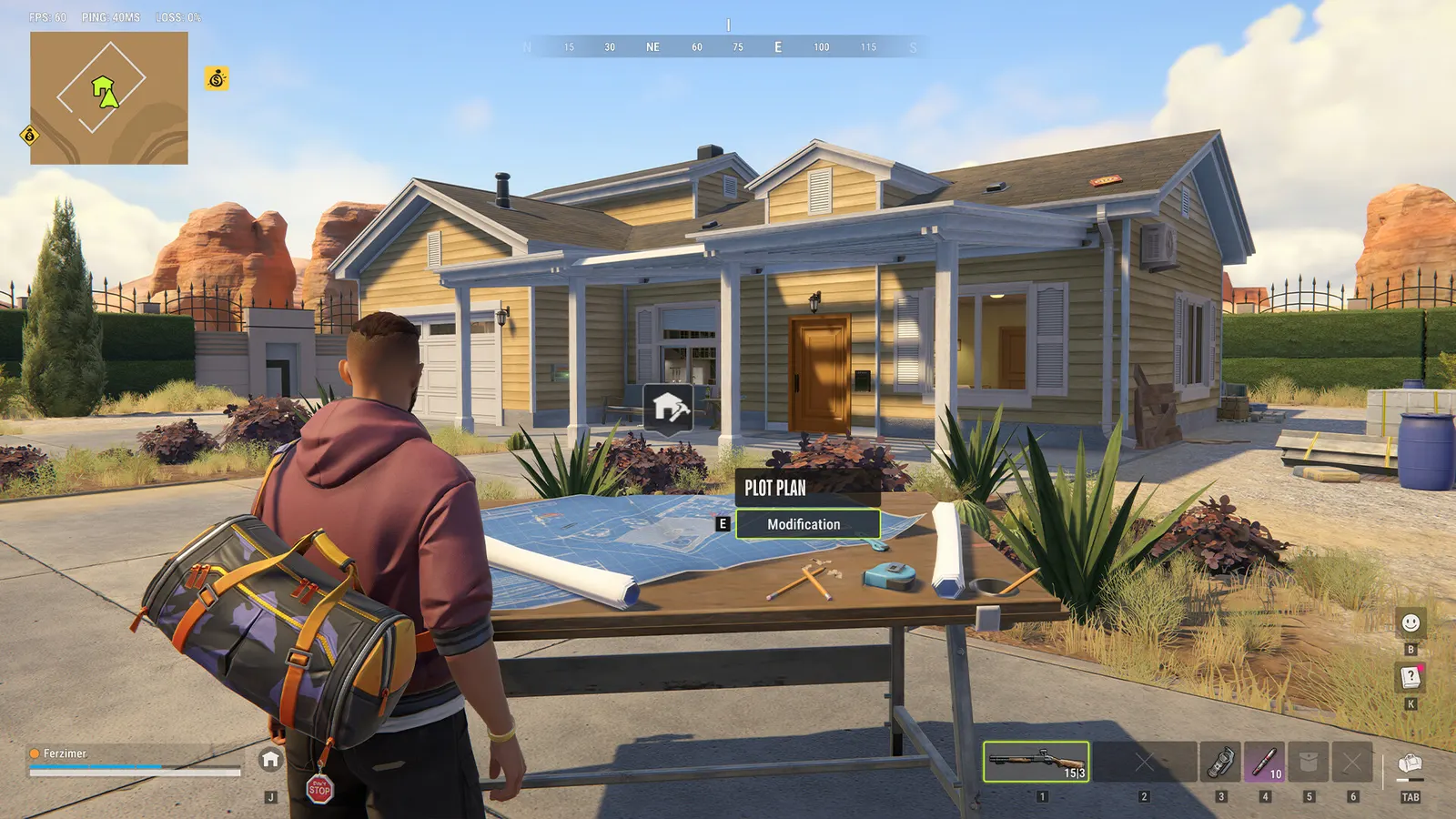
Clan members don't share one base, but you can protect your own house for the clan. The Alarm System with the clan setting sits in a structure's Security System slot and alerts the owner and their whole clan when breaching starts. It's $200,000 on the Trade Laptop at tier II and sells for $80,000. You unlock it in Shipments after the owner-only Alarm System. Fuses, decoders and raid blocks are in our base defence and raiding guide.
Leaving, kicking and handing over the clan
- Any member can press Leave Clan except the leader, who has to transfer leadership first. The old leader drops to a lower rank and loses leader benefits.
- You can't transfer leadership while the other player is in an invalid location.
- Members with the kick permission can remove anyone below their rank. The clan log records joins, leaves, kicks and new ranks.
- Change state (server) and you leave your clan automatically. Read how to change server before you move.
Federal confiscation can reach your clan life too, since "Funding criminal clans" can turn up as a charge on the court sheet. Our weekly wipe guide covers what survives.
More ROB RUN guides: playing with friends and getting a house and land plot.