
ArcheAge Chronicles Known Issues and Fixes: Bugs, Crashes and Workarounds
Last updated: November 4, 2026. We'll update this page as XLGAMES releases patches.
ArcheAge Chronicles launched in Steam Early Access on November 3, 2026, and like most MMO launches, the first days have come with bugs. Some players can't get past the tutorial, some bosses won't spawn, and a few dungeons can leave your party stuck. XLGAMES has already responded with an official notice on launch-day issues that lists what's fixed, what's being investigated and what you can do in the meantime.
This guide brings all of it together: every known issue XLGAMES has confirmed, the official workarounds, and fixes for the most common startup, crash and performance problems. If you're just starting out, our beginner's guide covers the basics.

Towns and camps fill up quickly at launch, so expect crowds, channel switching and the odd frame rate drop. Image source: XLGAMES (ArcheAge Chronicles official Steam page).
Quick Fixes for the Most Common Problems
Stuck in the terrain: Press ESC and select Escape. If that doesn't work, restart the game, log back in and try Escape again.
Boss won't spawn: Don't leave a boss arena once a fight has started. A fix is ready and will arrive in the next patch.
Stuck after a dungeon: Keep your party together until you've moved on to the next area, and make sure every party member picks up their own key.
Black screen on first launch: Wait. The game compiles shaders the first time it starts, which can take up to 10 minutes.
Stuck on "preparing security module": Take a screenshot and open a ticket with ${x(CS,'ArcheAge Chronicles Customer Support')}.
Chat full of other languages: Go to Settings > Game Options > Chat Language Filter.
Can't find your party: Use the channel transfer button in the party UI to move to your party leader's channel.
Official Known Issues and Status
Bosses that fail to spawn are one of the most reported launch issues, and a fix is ready for the next patch. Image source: XLGAMES (ArcheAge Chronicles official Steam page).
These are the issues XLGAMES confirmed in its launch-day notice on November 4. No date has been given for the next patch yet.
Fixed, waiting for the next patch
XLGAMES says fixes for these issues are complete and will be deployed as soon as possible:
Tutorial quests can't be completed. Some players can't progress through certain tutorial quests.
Bosses fail to spawn. In some boss encounters, leaving the area and coming back can stop the boss from spawning. Until the patch lands, avoid leaving a boss arena once you've triggered the fight.
Some crashes. The next patch will also fix some of the reported game crashes. XLGAMES says it will share the full patch notes once the update is live.
Under investigation
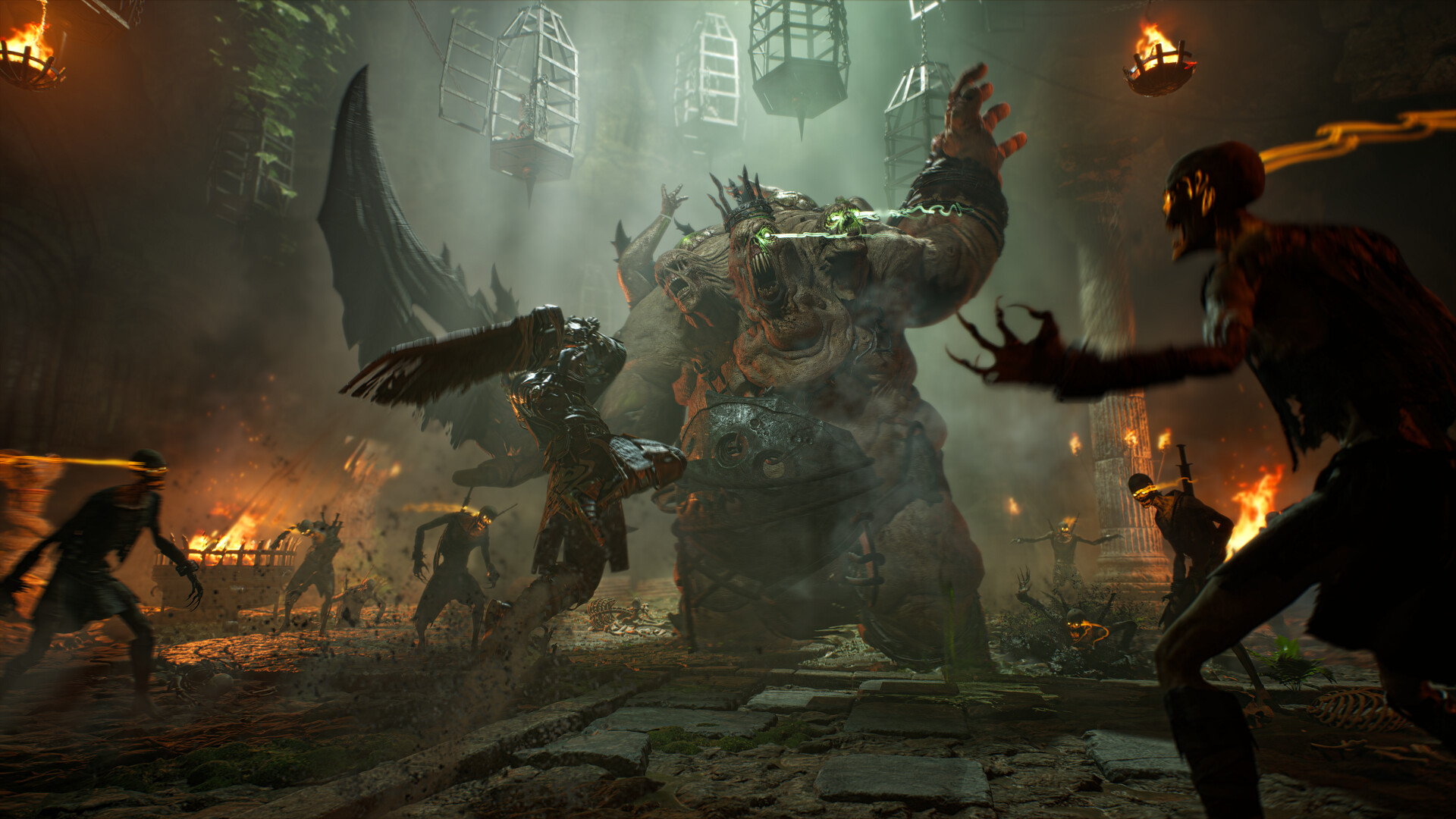
Running dungeons as a party? Keep the group together until you reach the next area, and make sure everyone picks up their own key. Image source: XLGAMES (ArcheAge Chronicles official Steam page).
Malchuk encounter. After you die to Malchuk, the boss may not appear again, or you may be unable to respawn.
NPC dialogue blocks quests. Talking to NPCs in some areas, including Cliffs of Madness, can stop a quest from progressing.
Dungeon progress blocked when a party breaks up. If the party leader leaves or the party disbands during a dungeon, you may be unable to progress or move to the next area. XLGAMES says this fix may take some time. Workaround: keep your party together until you've moved on to the next area after the dungeon.
Key items aren't shared. Some keys are not shared between party members. Workaround: make sure every player in your party picks up their own key.
If you run into the Malchuk or NPC dialogue issues, XLGAMES asks you to describe what happened in the bug reports channel on the official ArcheAge Chronicles Discord.
Improvements on the way
Movement key rebinding. You can't currently change your movement keys, which has been one of the most common complaints. XLGAMES plans to let you freely reassign them. Until then, you can still rebind 10 UI shortcuts, and invert the camera Y-axis separately for mouse and controller.
Hiding the chat window. An option to hide chat entirely is planned. For now, use the Chat Language Filter to hide messages in languages you don't want to see.
Joining your party's channel. The channel transfer button in the party UI only appears under certain conditions. XLGAMES plans to make it show up more reliably and explain it better.
Optimisation. XLGAMES has acknowledged stuttering and frame rate drops and will keep working on performance throughout Early Access.
Launch and Startup Problems
Black screen on first launch
The first time you start ArcheAge Chronicles, it compiles shaders. In the demo this showed up as a black screen for up to 10 minutes, and many players closed the game thinking it had frozen. According to Producer Ham's letter before launch, Early Access now shows a shader compilation screen instead. Either way, give it up to 10 minutes before you close the game or contact support.
Stuck on anti-cheat initialisation
The game uses XIGNCODE3 anti-cheat, and it can get stuck while it starts up for a range of reasons. XLGAMES' official advice is to take a screenshot of the screen where it gets stuck and submit a ticket to Customer Support, so the team can look at your case. You can also open Customer Support from the ESC menu once you're in the game.
Before you contact support, it's worth trying these general steps:
Restart your PC and launch the game from Steam.
Verify the game files in Steam (right-click the game > Properties > Installed Files > Verify integrity of game files).
If you use third-party antivirus software, check that it isn't blocking the game or its anti-cheat, and add an exception for the game folder if needed. XLGAMES fixed a conflict with certain antivirus software before launch, but some players still report security errors on startup.
Crashing on startup or during play
XLGAMES says some crash fixes are coming in the next patch and that it will keep investigating others. In the meantime:
Update your graphics drivers to the latest NVIDIA, AMD or Intel version.
Verify your game files in Steam.
Turn off overlays (Discord, GeForce Experience, MSI Afterburner and similar) to rule them out.
Lower your texture quality if your graphics card has 8 GB of video memory or less. Running out of video memory can cause crashes and stutter.
Intel Core Ultra CPUs: Some players with an Intel NPU found that the game crashed instantly on launch (with an Unreal Engine crash report). Temporarily disabling Intel AI Boost under Neural processors in Device Manager, then re-enabling it once the game has loaded, fixed it for them. This is a player workaround, not an official fix.
If the game keeps crashing, send a ticket with your crash details to Customer Support.
Linux and Steam Deck
XLGAMES has confirmed that Linux and Steam Deck are not officially supported, although it will consider them in the future. The full game currently fails to launch through Proton for most players. Some unofficial workarounds involve modifying Proton files, but we don't recommend them: they change system files while the anti-cheat is running, which could put your account at risk.
Steam Family Sharing doesn't work
This is intentional. XLGAMES does not support Steam Family Sharing in ArcheAge Chronicles to protect account management and the in-game economy. Each player needs their own copy.
Japanese and Brazilian Portuguese text looks wrong
These languages are machine-translated and not officially supported, so some wording and game terms may be inaccurate. Change your language under Options > General > Language. XLGAMES says it is reviewing requests for more languages.
In-game Bugs and Workarounds
Character stuck in the terrain

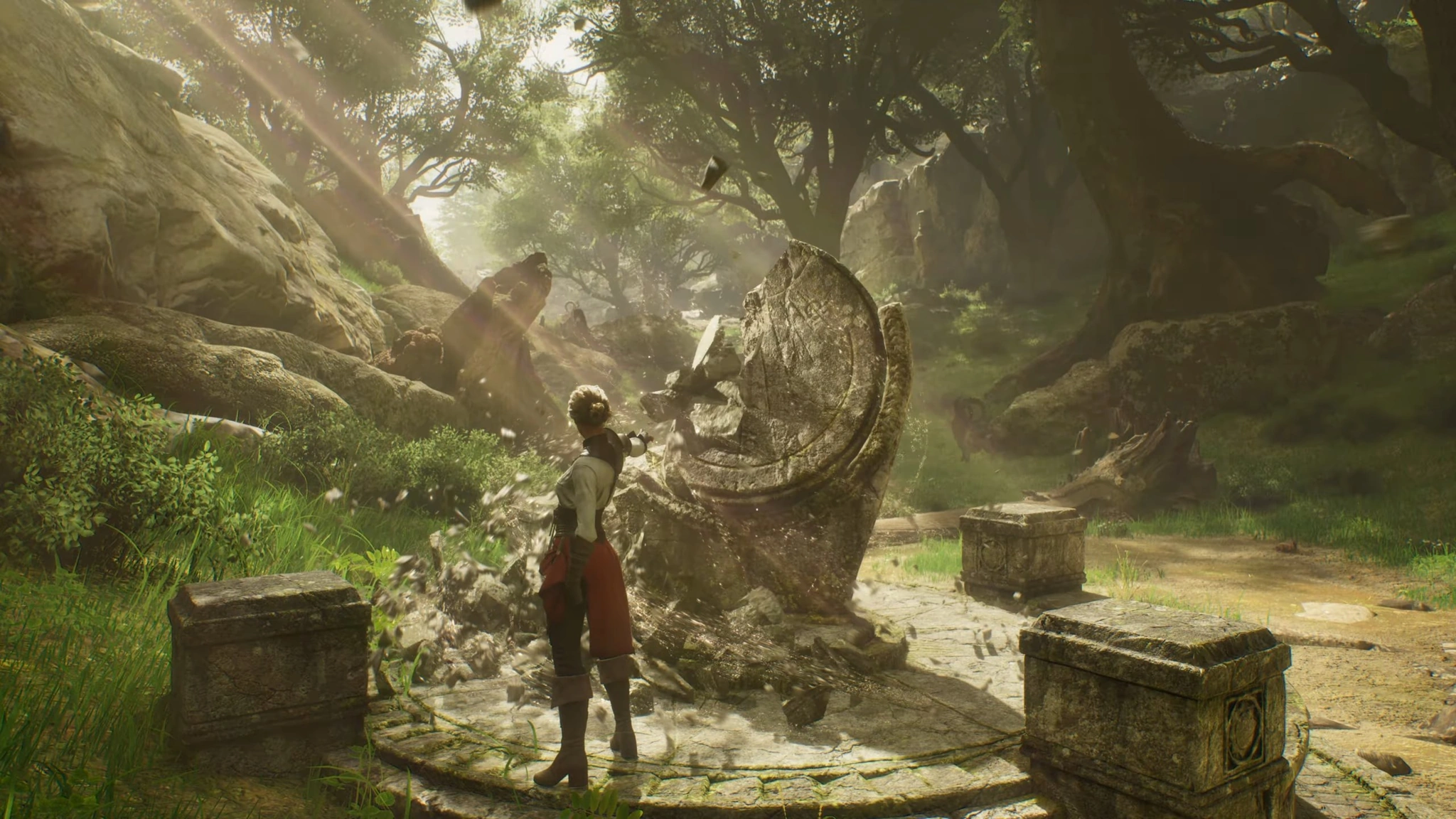
If you get stuck in rocks or terrain like this, use Escape from the ESC menu. Image source: XLGAMES (ArcheAge Chronicles official Steam page).
This is the official fix from XLGAMES:
Press ESC and select Escape.
If you're still stuck, restart the game, log back in and use Escape again.
Boss won't appear
Several players have reported bosses that don't spawn after leaving and re-entering the fight area, including cases where the cutscene plays but the boss never appears. A fix is ready for the next patch. Until then, don't leave a boss arena once the fight has started. If you're already affected, report it on the official Discord with the boss name and location.
Quest won't progress

Talk to NPCs and pick up quests before you take on nearby bosses to avoid some quest blockers. Image source: XLGAMES (ArcheAge Chronicles official Steam page).
Quest blockers are the most common launch complaint. Alongside the tutorial and Cliffs of Madness issues XLGAMES has confirmed, players have reported:
Quests getting stuck if you kill a boss before picking up the quest that asks you to kill it. If you can, talk to nearby NPCs and pick up quests before you take on a boss.
Quest items, such as tools needed for gathering quests, not appearing in your inventory.
A Raeven's Coilstone disappearing after a tower boss fight.
XLGAMES hasn't confirmed these specific cases yet. If you hit one, report it on the official Discord with the quest name, your location and screenshots, as the team uses these reports to find the cause.
Party members can't see each other
Each zone is split into channels of about 100 players. If your party is in different channels, use the channel transfer button in the party UI to join your party leader's channel. Parties stay together across Peace and Conflict channels. If you still can't group up, check that everyone picked the same server, because there is no cross-server play or server transfers during Early Access. Our server guide explains how this works.
Performance Problems
Stuttering and frame drops are among the most common complaints at launch, and XLGAMES says performance will improve throughout Early Access. Because performance problems depend so much on each PC, there's no single fix, but these steps help most players:
Make sure the game is installed on an SSD. It's a requirement, not a recommendation.
Turn on upscaling and try a faster mode (Balanced or Performance) if you're below your target frame rate.
Lower shadows first, as they have the biggest performance cost.
Match texture quality to your graphics card's video memory.
Switch to a quieter channel if your frame rate drops in crowded towns or camps.
For a full breakdown of settings and system requirements, see our PC performance guide.
How to Report a Bug
XLGAMES is collecting reports through these official channels:
Bug reports: the bug reports channel on the official ArcheAge Chronicles Discord
Account, launch and anti-cheat problems: ArcheAge Chronicles Customer Support, also available from the in-game ESC menu
Patch notes and announcements: the official Steam news page and the ArcheAge Chronicles X account (@ArcheAgeChron)
Include as much detail as you can: what you were doing, where you were, your quest or boss name, and a screenshot or video if possible.
Known Issues FAQ
When is the next patch?
XLGAMES hasn't announced a date. The fixes for the tutorial and boss spawn issues are complete and will be deployed "as soon as possible". We'll update this guide when the patch is live.
Can I move my character if I picked the wrong server?
No. Server transfers are not available during Early Access, and XLGAMES hasn't confirmed if or when they'll be added.
Can I change my movement keys?
Not yet. XLGAMES plans to add full movement key rebinding. Until then, you can only rebind 10 UI shortcuts, or play with a controller, which is fully supported.
Is ArcheAge Chronicles supported on Linux or Steam Deck?
No. Linux and Steam Deck are not officially supported, though XLGAMES may consider them in the future.
More ArcheAge Chronicles guides
Once you're back in the game, get started with our beginner's guide and class guide, or read everything we know about ArcheAge Chronicles. You can also explore Auroria with the interactive map, plan your build in the skill tree planner, and browse every item in the database.