


Scanner Station
Add to Favorites

Scanner Station
Habitat Builder
Mission critical. Locates resources, wrecks and anomalies within an expanded range. High power draw.
How to Craft Scanner Station
Method 1
Make Scanner Station via Builder
 Made with Habitat Builder
Ingredients
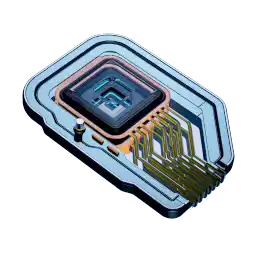

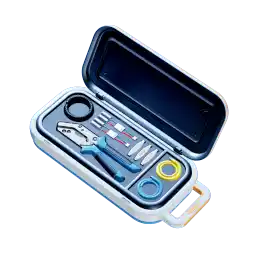
Databank Entry for Scanner Station
OPERATING INSTRUCTIONS
Construct in habitat room compartment. Ensure sufficient electrical budget is available—high power draw. Once powered, select a filter and wait for the map to populate with contacts. Touch a contact (entering the holographic map if necessary) to place a signal on its position in the real world. CAUTION: the scanner's power draw increases sharply while active.
BACKGROUND
Ever wondered what's out there? Now you can replace wonder and mystery with crisp, high-resolution sensor imagery. The scanner station manages sensors including (but not limited to) hyperspectral imaging, field MRI, passive sonar, biosonic spectroscopy, lidar vibrometry, chemical sniffers and magnetometric inferentials.
The scanner station is a standalone product; colonists are not required to manually construct sensors on their habitat. Building these emitters personally may give colonists a sense of purpose and achievement.
*"The Alterra scanner station. Because the map always beats the territory."*
All map locations Scanner Station (Interactive map)
Scanner Station Recipe Tree

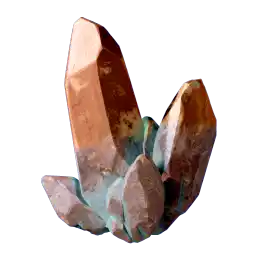


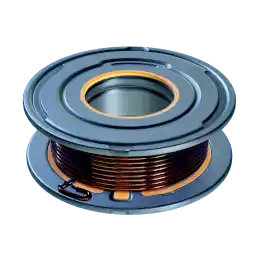
Press enter or space to select a node. You can then use the arrow keys to move the node around. Press delete to remove it and escape to cancel.
Press enter or space to select an edge. You can then press delete to remove it or escape to cancel.