


Repair Tool
Add to Favorites
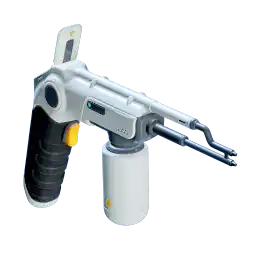
Repair Tool
Fabricator
Combination scanner and portable fabricator. Repair vehicles, bases, and systems.
Stats for Repair Tool
+ 1 Energy Per Sec
+ 200 Max Range
+ 60 Max Angle
How to Craft Repair Tool
Method 1
Make Repair Tool via Fabricator
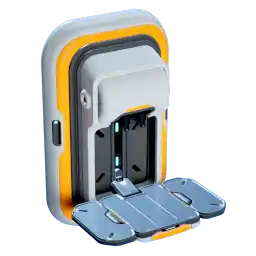 Made with Fabricator
Ingredients
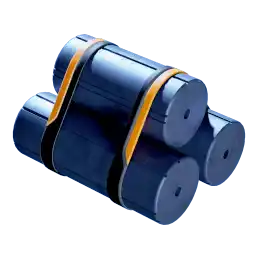
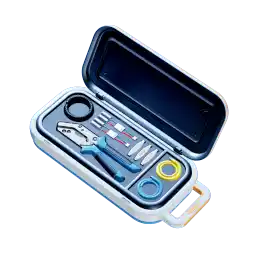
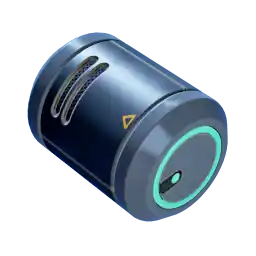

Databank Entry for Repair Tool
OPERATING INSTRUCTIONS
Equip to quick-access toolbelt. Aim at damaged object and hold trigger. Replace battery when depleted.
Repairable targets trigger an icon in your HUD, prompting you to equip and use the repair tool. Common targets include Alterra vehicles and damaged Alterra starship or habitat components (such as doors).
BACKGROUND
The repair tool resembles an arc welder in the same way that the scanner resembles a flashlight: similar use cases, but with enormously greater sophistication and effects. The repair tool analyzes damaged systems, breaks up the damaged area with a high-temperature arc, and uses magnetohydrodynamic manipulation to guide the liberated material for fabricated repairs.
Originally invented to assist union-lifting efforts in electrical engineering, the repair tool empowers workers to take on tasks once reserved for an exclusionary elite.
"The Alterra Repair Tool: Get your fix."
All map locations Repair Tool (Interactive map)
Repair Tool Recipe Tree





Press enter or space to select a node. You can then use the arrow keys to move the node around. Press delete to remove it and escape to cancel.
Press enter or space to select an edge. You can then press delete to remove it or escape to cancel.